
How to Search Montour County Traffic Court Records
Use Pennsylvania UJS Case Search for public docket lookup and PAePay for payable traffic tickets, court costs, fines, and restitution. PAePay covers approved obligations in Common Pleas and Magisterial District courts, but it only displays obligations approved for online payment. If the citation does not appear, that may mean the case is not payable online, the search information is incomplete, the court has not processed the item for online payment, or the case requires direct court contact.
Traffic citations and summary offenses in Montour County generally begin with Magisterial District Judge William Wilt III, District 26-3-04, listed at the Montour County Courthouse, 253 Mill Street, Danville, PA 17821, phone 570.849.8700 extension 2300 and fax 570.271.3008. Serious DUI or criminal traffic cases can involve the Clerk of Courts and the Court of Common Pleas.
- Read the citation for the citation number, issuing court, police agency, hearing date, and response instructions.
- Search UJS Case Search by citation number, participant name, docket number, complaint number, or incident number.
- Open PAePay to determine whether the traffic ticket or court obligation is approved for online payment.
- Review the docket for plea, disposition, payment status, hearing events, warrants, appeal entries, or Common Pleas transfer information.
- If contesting, follow the citation or MDJ instructions and do not pay unless payment is the intended plea or outcome.
The PAePay traffic and court-cost portal is the official online payment search for approved Pennsylvania court obligations.
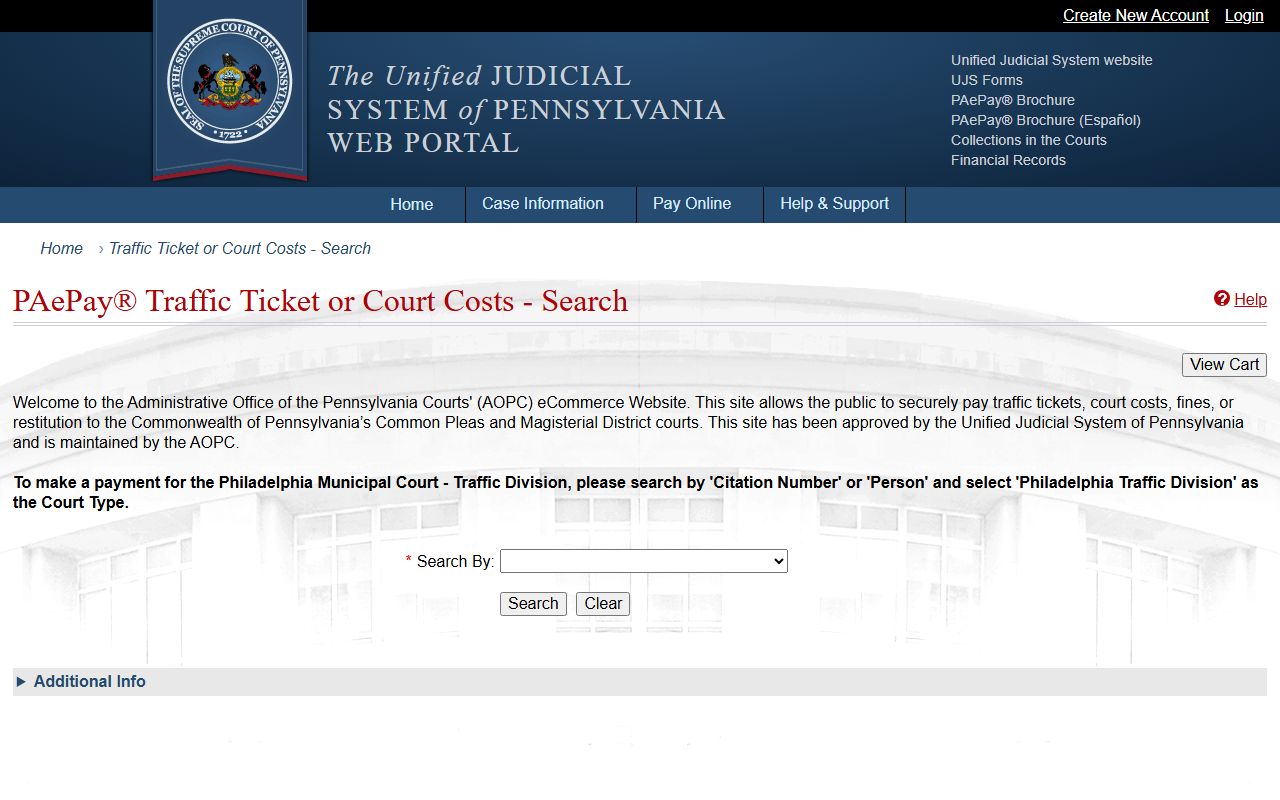
PAePay is a payment tool, so it should be used alongside UJS docket review and court instructions when the goal is to contest, appeal, or understand a disposition.
Which Courts Handle Traffic Cases in Montour County
Montour County's traffic case structure follows Pennsylvania's court hierarchy. Most citations and summary traffic matters begin in Magisterial District Court. Appeals, DUI, criminal traffic charges, or more serious related criminal filings can move into the Court of Common Pleas. The Clerk of Courts handles adult and juvenile criminal court records, costs, restitution, and bail money, while the Prothonotary handles civil records rather than traffic citations.
| Court or Office | Traffic Cases Handled | Address |
|---|---|---|
| Magisterial District Court 26-3-04 | Traffic citations, summary offenses, preliminary arraignments, and minor-criminal matters. | Montour County Courthouse, 253 Mill Street, Danville, PA 17821 |
| Montour County Court of Common Pleas | Appeals from minor court, serious DUI, criminal traffic matters, and related Common Pleas proceedings. | Montour County Courthouse, 253 Mill Street, Danville, PA 17821 |
| Clerk of Courts | Adult and juvenile criminal court records, costs, restitution, bail, and criminal case filings. | Montour County Courthouse, 253 Mill Street, Danville, PA 17821 |
Types of Traffic Cases on Record
The research does not list a Montour-only catalog of every traffic offense, so traffic records should be described by court function rather than invented local offense lists. A public record may involve a moving violation, equipment issue, summary traffic offense, commercial-driver matter, payment obligation, appeal, or DUI-related criminal filing. Parking records are not documented in the official research as a county court-record category, so do not treat parking tickets as a confirmed county court database.
- Moving violations - A citation may show the statute, police agency, plea, hearing, disposition, and payment status.
- Summary traffic offenses - These commonly begin in Magisterial District Court and may be searchable by citation or docket information.
- Payment obligations - PAePay may show traffic tickets, fines, costs, and restitution approved for online payment.
- Commercial driver issues - CDL drivers should check both the court record and PennDOT driver history because licensing consequences are separate from court payment status.
- DUI and criminal traffic - These may appear as criminal or MDJ dockets and can involve the Clerk of Courts, District Attorney, and Common Pleas proceedings.
What Montour County Traffic Court Records Show
A traffic court record is the court's case record. In a Magisterial District Court matter, the record may show the citation or complaint number, police agency, statute section, offense description, plea or disposition, fine, costs, payment status, hearing date, and issuing authority. If the case becomes a criminal matter, the UJS docket may show OTN, charges, grading, bail, events, orders, attorney information, costs, restitution, disposition, and sentence.
| Field | What It Shows |
|---|---|
| Citation Number | The strongest lookup value from the ticket or police paperwork. |
| Docket or Case Number | The court's case identifier, often used after the citation is filed or docketed. |
| Police Agency | The agency that issued the citation or complaint. |
| Charge / Statute | The traffic offense, statute section, grading if applicable, and offense description. |
| Court Date | Scheduled hearing date, continuance, or event date when public. |
| Disposition | The outcome of the citation or charge, including plea or finding when recorded. |
| Fine, Costs, and Payment Status | Financial obligations, payment activity, and online payment eligibility where available. |
| Warrant or FTA Entries | Failure-to-appear or bench-warrant events when reflected in the public docket. |
PAePay Search Fields
PAePay is designed for online payment of eligible obligations, not for every traffic court record. The portal help describes finding a case through a person search, and the traffic-payment flow also uses citation, docket, or case information when available. If the case requires a hearing, is not approved for online payment, or is not yet processed, direct court contact may be necessary.
| Search Field | Type | Required | Notes / Format |
|---|---|---|---|
| Search / case lookup | Form | Yes | Use the search route supplied by PAePay to locate payable court obligations. |
| Person name | Text | Conditional | Useful when the citation number is not available, but multiple matches are possible. |
| Docket / citation / case number | Text | Conditional | Best lookup value when copied from the ticket or UJS docket. |
| Add to cart | Button | Conditional | Appears for obligations approved for online payment. |
| View Cart | Button/link | No | Use to review selected obligations before payment. |
| Payment method | Checkout fields | Yes for payment | PAePay supports secure online payment for eligible tickets, costs, fines, and restitution. |
The UJS pay online information page explains that PAePay displays obligations approved for online payment and has a $2,500 per-transaction maximum.
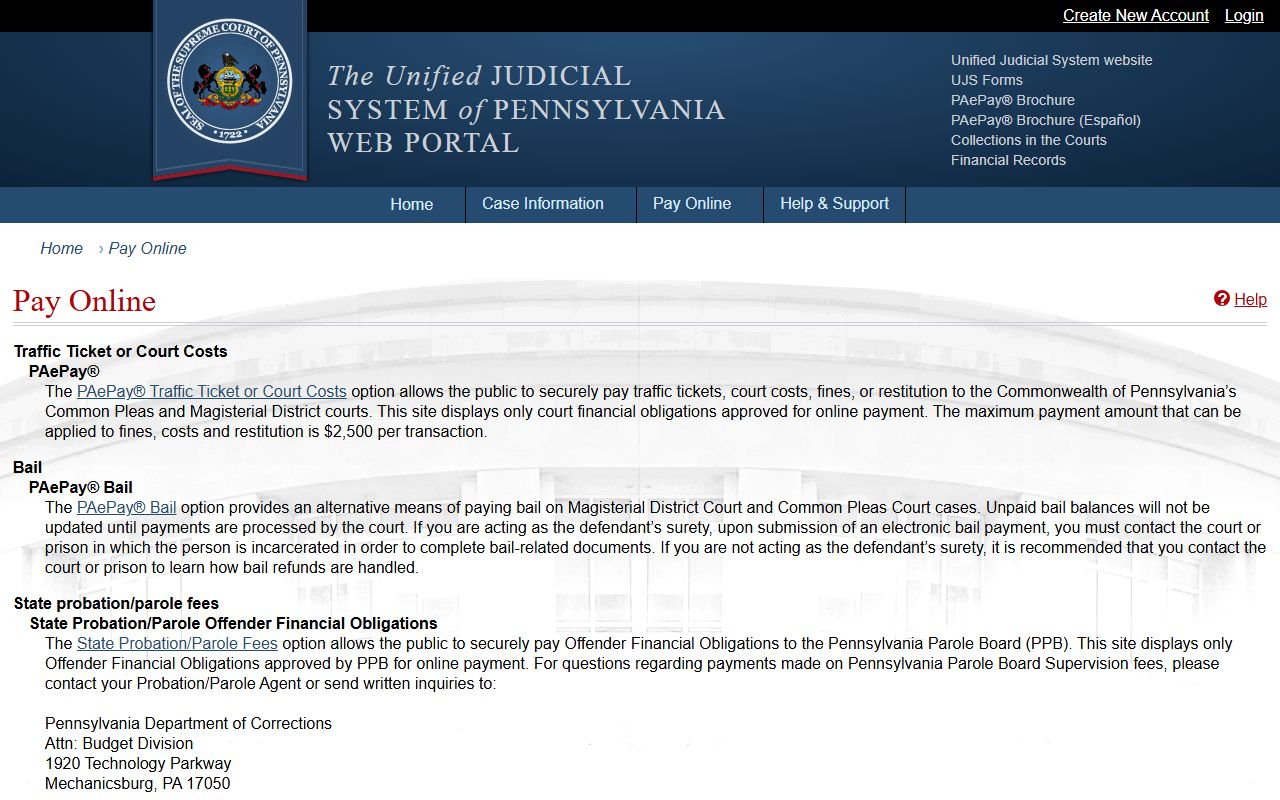
The payment limit and approval rule are important because a missing case in PAePay does not automatically mean the citation or court obligation does not exist.
Paying or Contesting a Montour County Traffic Ticket
Payment and contesting are different choices. Before paying, read the citation instructions and determine whether payment will be treated as a plea or final resolution. If the ticket is payable online, PAePay can accept eligible traffic ticket, cost, fine, and restitution payments for approved Common Pleas and Magisterial District obligations. If the case is not eligible for online payment, contact the MDJ office or the court named on the citation.
- Read the citation for response deadlines, court name, citation number, and hearing instructions.
- Search UJS or PAePay using the citation number first, then a person search if needed.
- If paying, confirm the exact obligation, payment amount, and whether the case is approved for online payment.
- If contesting, follow the citation or MDJ instructions for pleading not guilty, requesting or attending a hearing, or filing the required response.
- After payment, plea, hearing, or disposition, check the court docket and PennDOT driver record separately for court status and license consequences.
Public Access Laws for Traffic Court Records
Public access to traffic court records in Pennsylvania is governed by the court-record system, UJS public access policy, and applicable public-records law. The Pennsylvania Right-to-Know Law applies to many local-agency records, but judicial case records have separate court policies and clerk procedures. UJS also warns that recent entries may not immediately appear and that docket sheets are not a substitute for a Pennsylvania State Police criminal-history background check.
Key Sources:
65 P.S. Section 67.101 et seq. - Pennsylvania's Right-to-Know Law for many local-agency records.
UJS Case Records Public Access Policy - Pennsylvania judiciary policy governing public access and sensitive court-record restrictions.
Court Traffic Records vs State Driver Records
The most important traffic-record distinction is court file versus driver history. The court file answers what happened in the citation case. The PennDOT driver record answers what is on the driver's license history. A paid ticket may still have driver-record consequences, and a court disposition may take time to appear in PennDOT records. Conversely, a PennDOT record may show licensing consequences that are not visible in a simple PAePay payment search.
| Record Type | Source | What It Shows | How to Access |
|---|---|---|---|
| Court Traffic Record | Magisterial District Court, Court of Common Pleas, UJS, PAePay | Citation, docket number, court date, plea, disposition, fines, costs, payment status, and appeal or FTA events. | Use UJS Case Search, PAePay for payable obligations, or contact the MDJ or clerk office. |
| State Driver Record | PennDOT | License status, driver history, reported convictions, points, suspensions, and restoration requirements. | Use PennDOT Individual Driver Records for online records or DL-503 for certified records. |
The PennDOT driver-record request service explains the state driver-record access route.
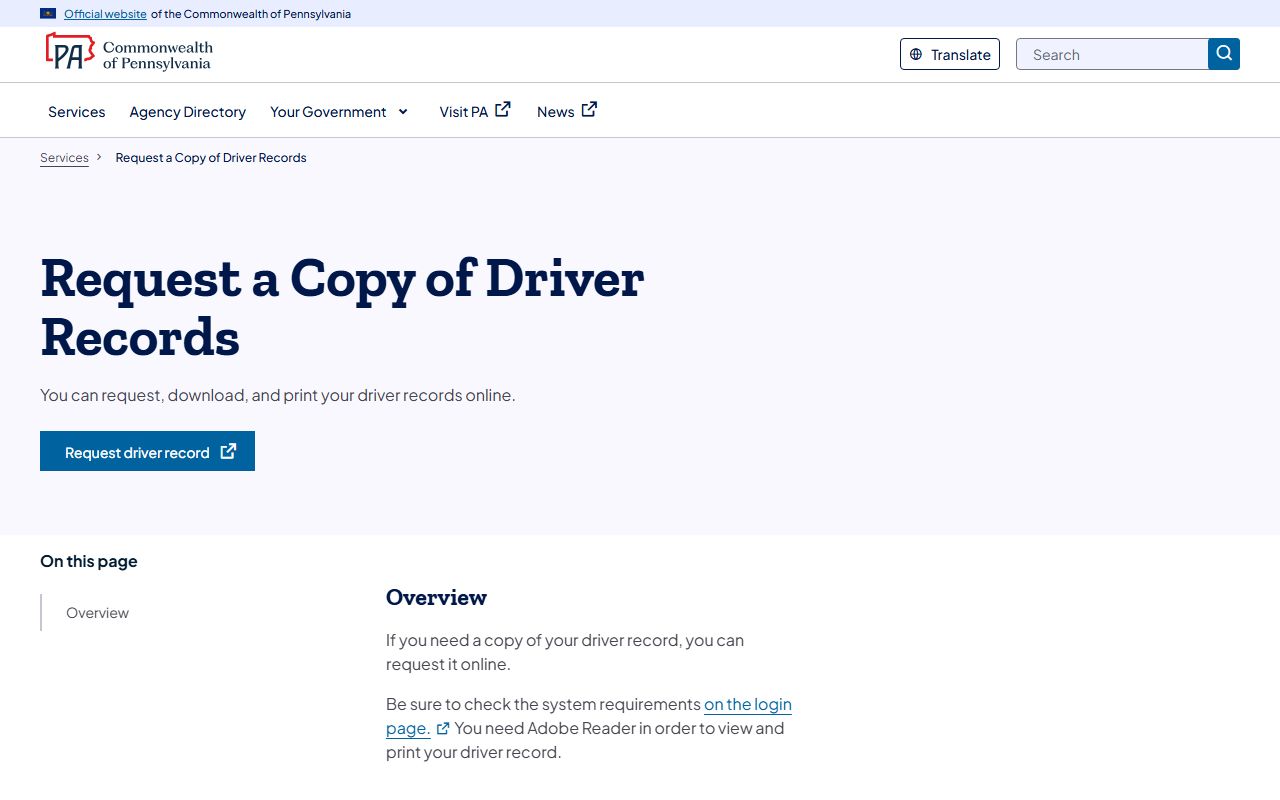
Use PennDOT for license-history questions and the court system for citation-case questions; neither record fully replaces the other.
PennDOT Driver Records
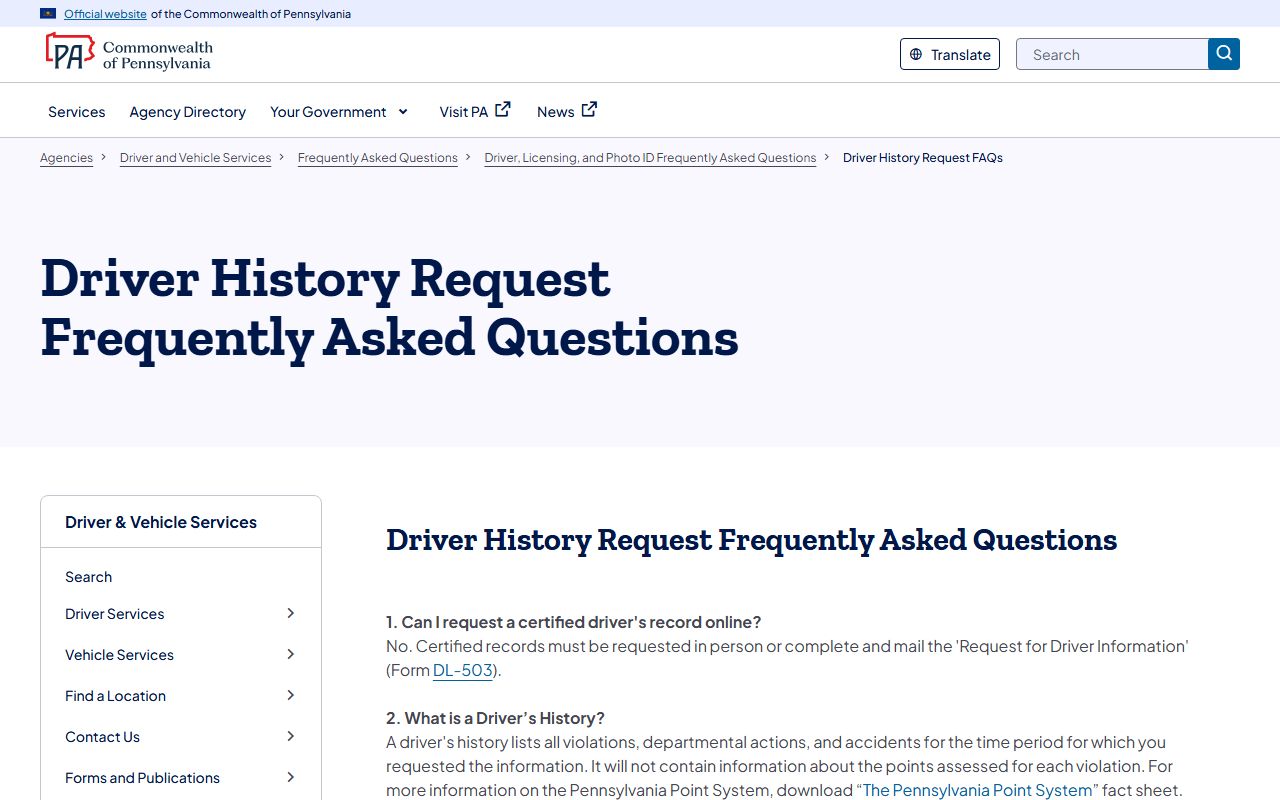
PennDOT's Individual Driver Records service allows Pennsylvania drivers to download and print a driver record after a successful online order. The service requires driver identifying information and Adobe Reader to view and print the record. The PennDOT FAQ notes that certified driver's records cannot be requested online; certified records require Form DL-503 by mail or in person.
The PennDOT Individual Driver Records online service is the online route for noncertified driver-history products.
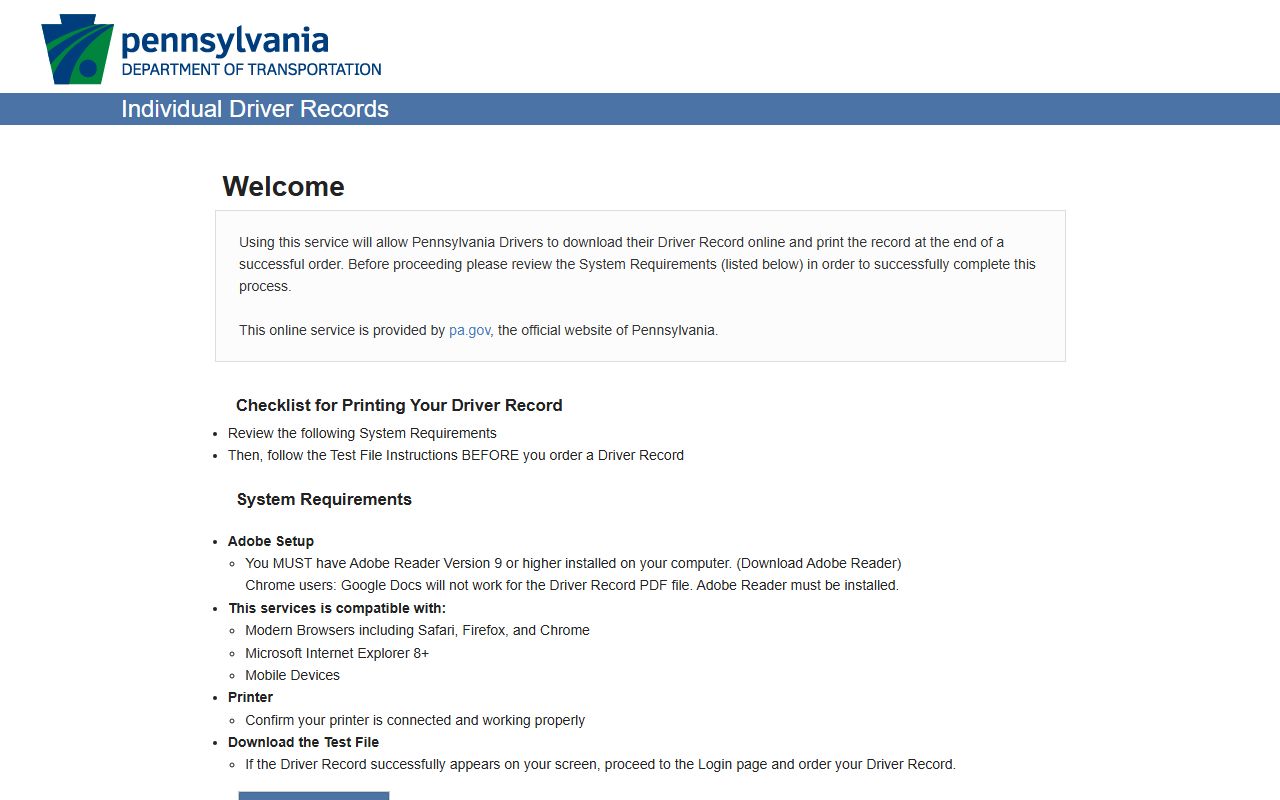
This source is useful after a citation is resolved because points, suspensions, and license status are tracked by PennDOT rather than by the Montour County court office.
CDL and Commercial Driver Records
Commercial drivers should treat a traffic citation as both a court matter and a licensing-history matter. The court record may show the citation, disposition, and financial obligations, while PennDOT's driver record can show reported convictions, points, suspensions, and license status. The research did not identify a Montour-only CDL diversion or traffic program, so CDL drivers should avoid assuming that ordinary payment options will prevent reporting or licensing consequences.
DUI / DWI Cases and Criminal Traffic
DUI, DWI, and other criminal traffic matters may not behave like a simple payable citation. They can appear in UJS criminal or MDJ dockets by participant name, OTN, complaint number, incident number, or docket number, and they may involve the District Attorney, Public Defender, Clerk of Courts, bail, court events, and Common Pleas proceedings. DA and Sheriff Crimewatch posts can provide arrest or warrant context, but UJS and the court file are the record sources for case progress and disposition.
For related charge and arrest context, see Montour County arrest records and court charges.
Failure to Appear and Bench Warrants
A missed traffic or summary-court event can lead to failure-to-appear entries, payment problems, or bench-warrant activity. Montour Sheriff Crimewatch examples include public warrant narratives tied to failure to appear, and UJS docket records may show related court events. For traffic and summary matters, check PAePay and the MDJ docket, then contact the issuing court. Payment alone may not clear a warrant until the court processes the matter.
Sealing or Expunging Traffic Records
Expungement and limited access are court processes, not website removal requests. The Montour County Clerk of Courts fee bill lists petition fees for expungement or limited access, including $157 for a petition and $172 when a new Common Pleas case is required. Eligibility depends on Pennsylvania law, the case type, disposition, waiting period, and court order. A person seeking relief should gather the docket number, citation number, OTN if applicable, charges, disposition, and identifying information before filing.
Fees and Payment Details
PAePay handles online payment for obligations approved for online payment and has a $2,500 per-transaction maximum. Local criminal-court copy and search fees may matter when a traffic case becomes a criminal case or when certified documents are requested from the Clerk of Courts. The criminal fee bill lists copy fees at $0.50 per page, certified copy at $5, searches at $20, subpoenas at $5, summary appeals at $40, and petitions or expungement-related filings in separate amounts. Do not use those copy fees as a substitute for the fine or cost amount shown on an individual citation.
| Item | Amount or Rule |
|---|---|
| PAePay transaction maximum | $2,500 per transaction |
| Plain criminal copy fee | $0.50 per page in the Clerk of Courts fee bill |
| Certified criminal copy | $5 in the Clerk of Courts fee bill |
| Records search fee | $20 in the Clerk of Courts fee bill |
| Summary appeal | $40 in the Clerk of Courts fee bill |
| Certified driver record | Use PennDOT Form DL-503 by mail or in person; online certified request was not available in the PennDOT FAQ. |
The PennDOT driver-history FAQ explains certified driver-record limitations and related driver-history questions.
Use local court fee schedules for court copies and PennDOT materials for driver-record products, because those are separate agencies and separate records.